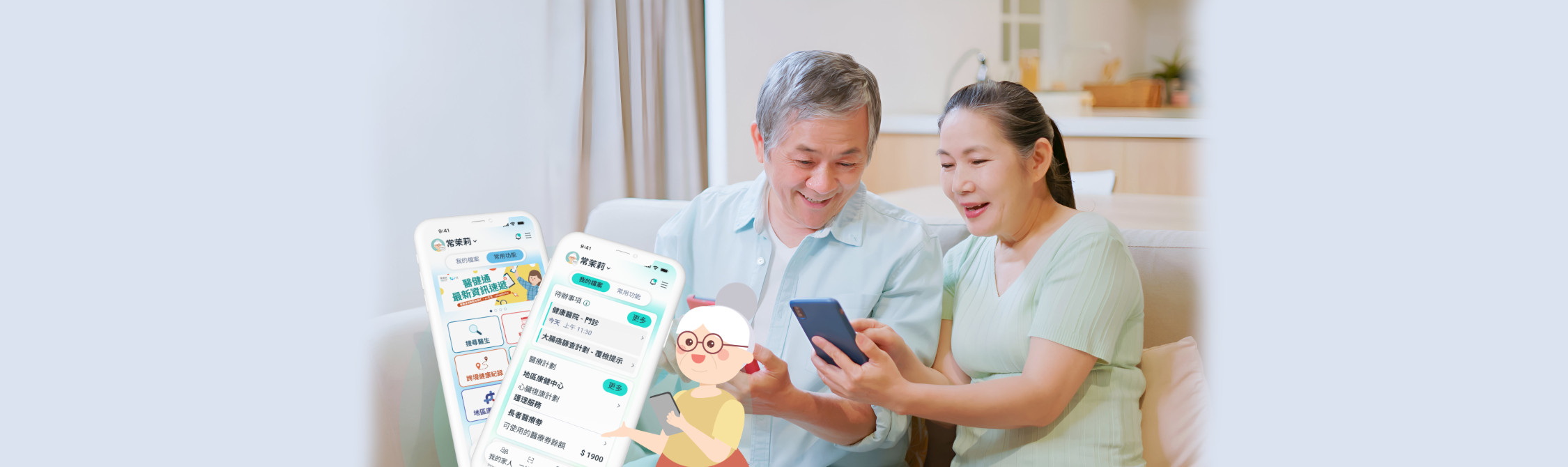
eHealth App’s New Interface and Upgraded Functions:
Caring for Seniors with Simpler, Clearer and More Caring Design
For many seniors, the biggest challenges in health management often involve too much scattered information and difficulty remembering details — such as forgetting follow-up appointment dates, struggling to find medication records, or having medical documents stored in different places. For caregivers, properly following up on family members’ health conditions is equally challenging.
The eHealth App has recently undergone a comprehensive upgrade, with special attention to the needs of seniors and caregivers. It simplifies the interface and integrates health information, making health management simpler and more caring, and has become an important daily health management assistant for families.
Lite Mode Launched – Easy for Seniors to Use
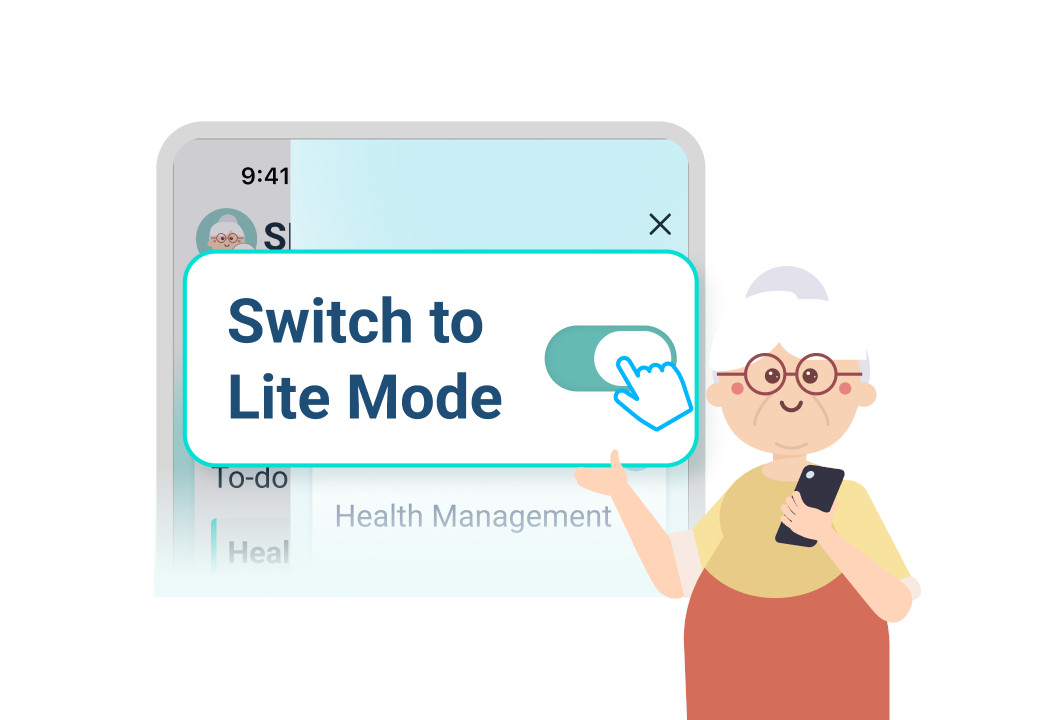
Many seniors are often hesitant to use mobile apps because the interfaces are too complicated and the fonts are too small, making them worry about pressing the wrong buttons. To address this, the upgraded eHealth App introduces a new “Lite Mode”, which is automatically enabled by default for users aged 65 or above. The new interface uses larger fonts and a clearer layout, allowing users to read content easily even without reading glasses.
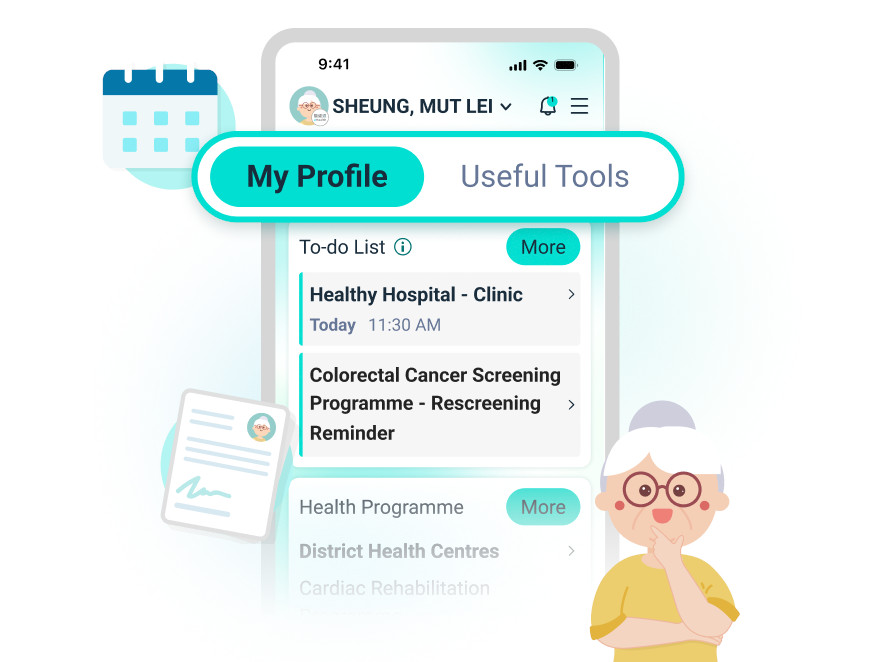
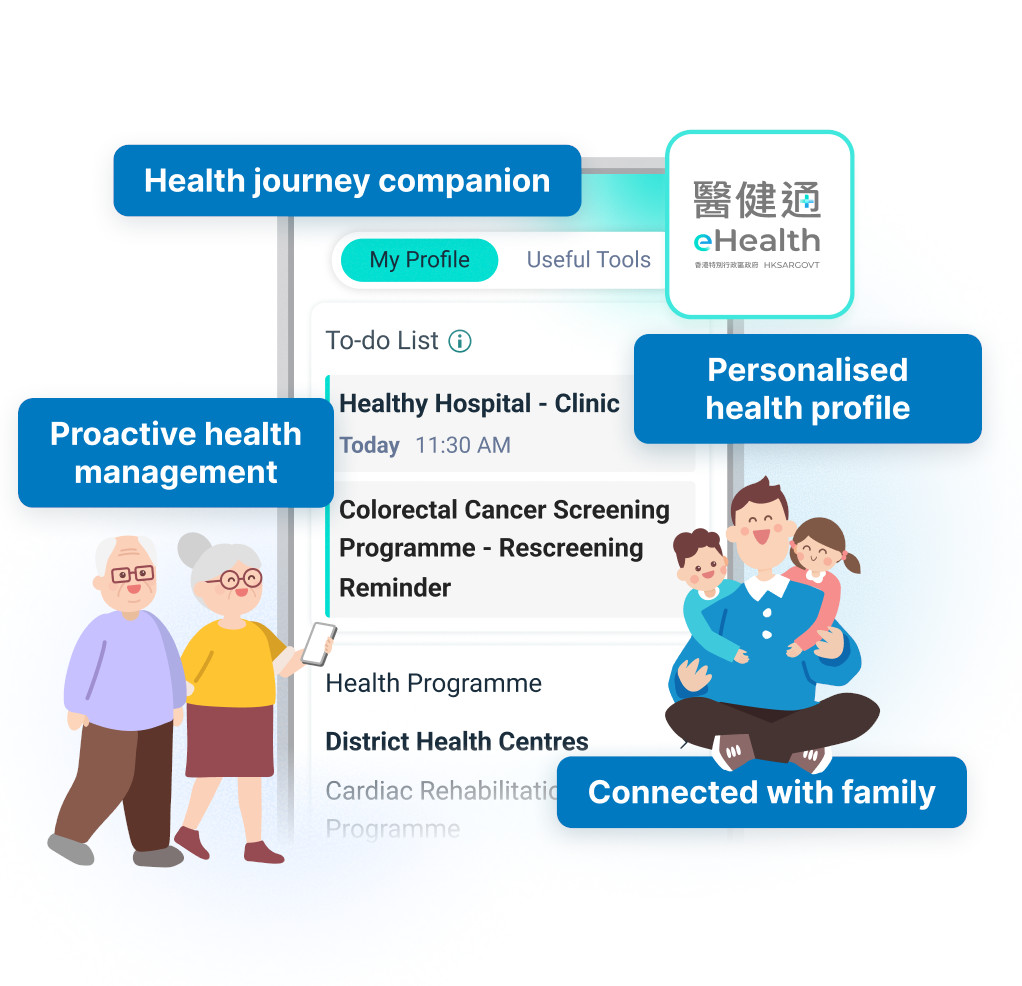
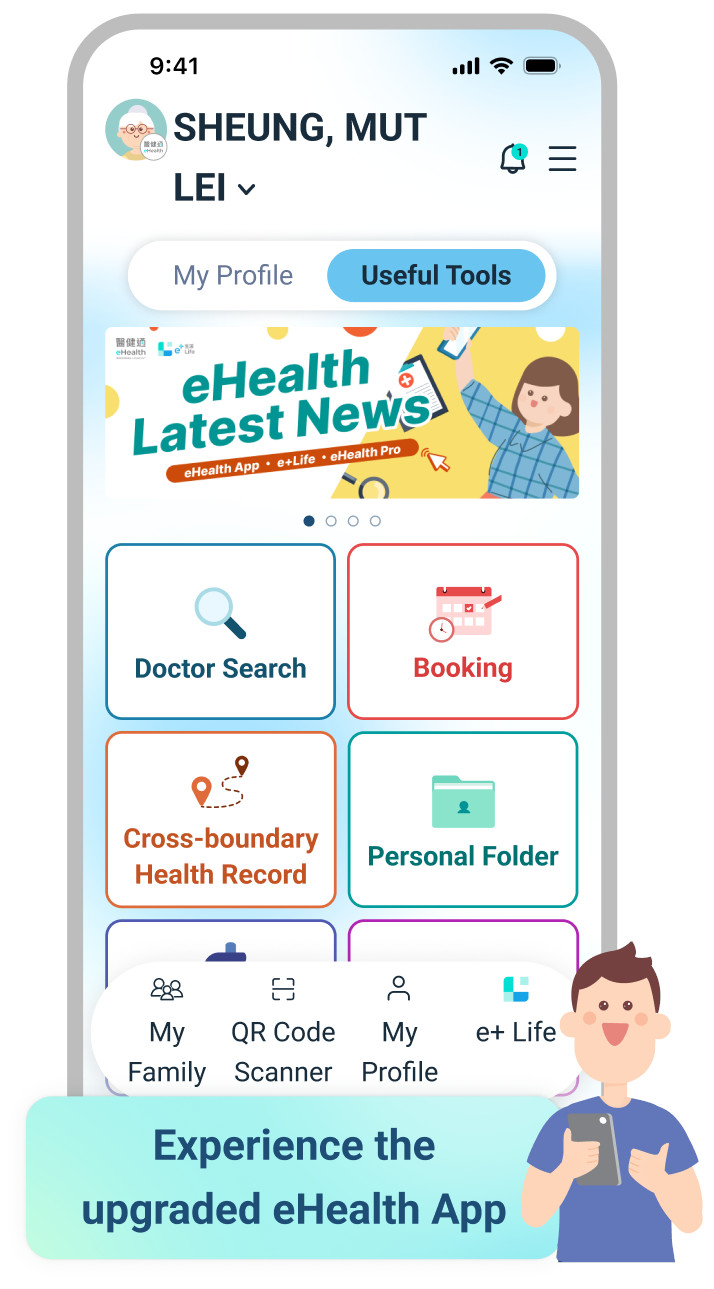
The homepage features two tabs — “My Profile” and “Useful Tools” — making it easier for seniors to find the information they need. “My Profile” centrally displays to-do items, health programmes, and recent records, while “Useful Tools” presents popular functions such as Doctor Search and Appointments/ Booking with large icons for one-tap access.
User Sharing:
Mr Lam, aged 72, frequently visits District Health Centres (DHC) but has always been reluctant to use mobile apps due to operational difficulties and often pressing the wrong buttons. After the eHealth App upgrade, he used the default “Lite Mode”, which not only features clearer fonts, but the dual-tab design also makes it easier for him to find the content he needs. When he wants to check his Elderly Healthcare Voucher balance or information about DHC, he can simply log into the eHealth App and view it under “My Profile”. If he feels unwell and needs to find a nearby clinic, he can tap “Useful Tools” and then “Doctor Search” to quickly locate a suitable doctor.
For seniors, the clearer the interface, the more proactively they can manage their health. For caregivers, assisting family members in following up on health information has also become much easier.
Clearer “To-Do List” – Fewer Omissions and Greater Peace of Mind
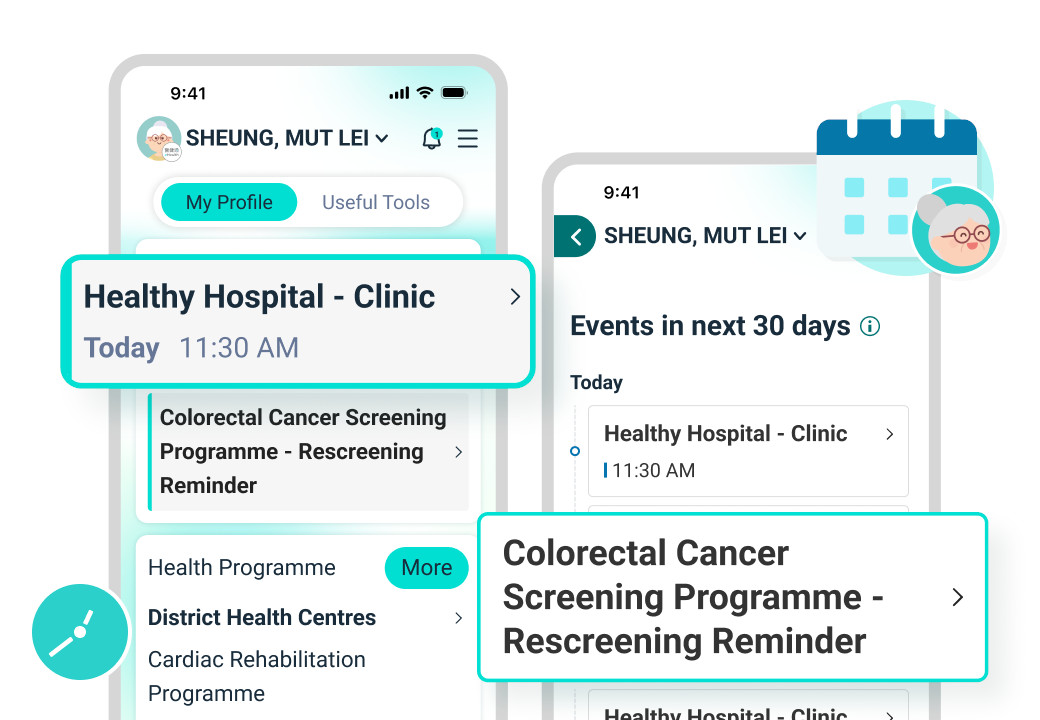
The top of the “My Profile” page features the “to-do list” function, which automatically displays upcoming important arrangements, including appointment reminders, health programme service reminders, health management alerts (such as blood pressure and blood glucose measurements), and cross-boundary health record applications. This helps seniors and caregivers better keep track of follow-up actions.
In the past, many caregivers relied on notebooks to record family members’ appointment dates, and omissions easily occurred when they were busy. The eHealth App now centrally manages public and private medical records and services, making every appointment clearer and easier to follow up.
User Sharing:
Mrs Chan used to keep separate records of her parents’ follow-up appointments at different hospitals and often worried about forgetting the dates. Now, she only needs to switch to her parents’ accounts in the eHealth App. The “to-do list” on the homepage clearly lists all arrangements, including outpatient follow-ups, colorectal cancer screening reminders, and blood pressure and blood glucose measurement alerts. All information is centrally displayed on one platform, making it easier for her to arrange medical appointments and daily care, while greatly reducing the stress of repeatedly searching through records.
Integrated Health Records – More Convenient Retrieval
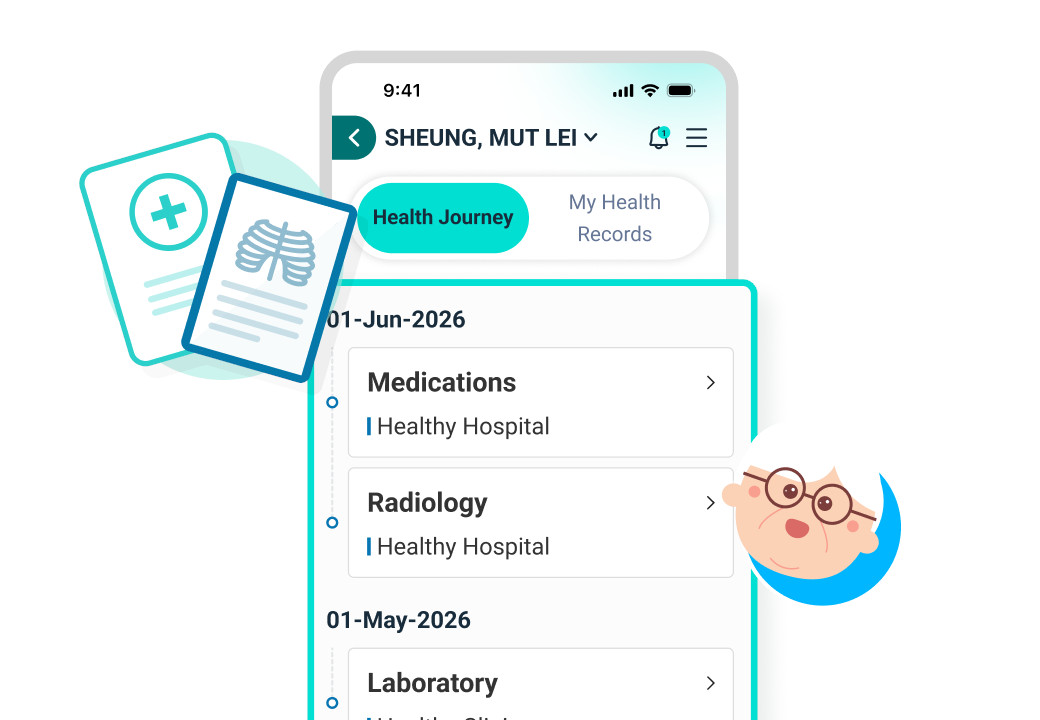
After the upgrade, the “Recent Records” function integrates important health information from the past 180 days. Users can tap the relevant page to enter the “Health Journey”, where they can view medication records, laboratory and radiology records, medical certificates, and more on a timeline across different years. This covers both Western and Chinese medicine records. Even records of radiology images from designated Greater Bay Area medical institutions, once authorised and deposited, can be viewed on the same interface, facilitating cross-boundary medical data management.
User Sharing:
Mrs Cheung, aged 65, has retired and is living in the Chinese Mainland. As a chronic disease patient, she needs regular follow-up consultations in both Hong Kong and the Chinese Mainland. In the past, she often had to search through various medical documents and reports, which was time-consuming and prone to missing information. Now, she simply opens the “Recent Records” in the eHealth App to clearly view medical records from the past 180 days, including radiology examinations conducted at designated Greater Bay Area institutions. Fragmented information has been transformed into a complete timeline, making health changes easier to track and the entire management process more organised.
From “Health Tool” to “Health Companion” – More Personalised Health Support
The newly upgraded eHealth App is not just a one-stop tool for managing health records — it is like a caring family health assistant. The eHealth App homepage displays the health programmes users have joined (such as the Chronic Disease Co-Care Scheme) and recommends other suitable programmes. The “Health Management” function allows users to instantly view health data such as blood pressure and heart rate, enabling them to monitor their physical condition at any time.
With a simpler and clearer design, the eHealth App is more user-friendly for seniors and makes it easier for caregivers to support their family’s daily needs. Let’s start using the newly upgraded eHealth App with the seniors at home and enjoy a more personalised and convenient way of health management together.
Download eHealth App now
to effortlessly manage the health of you and your family!



Download and experience it now:
https://app.ehealth.gov.hk/redirection.html